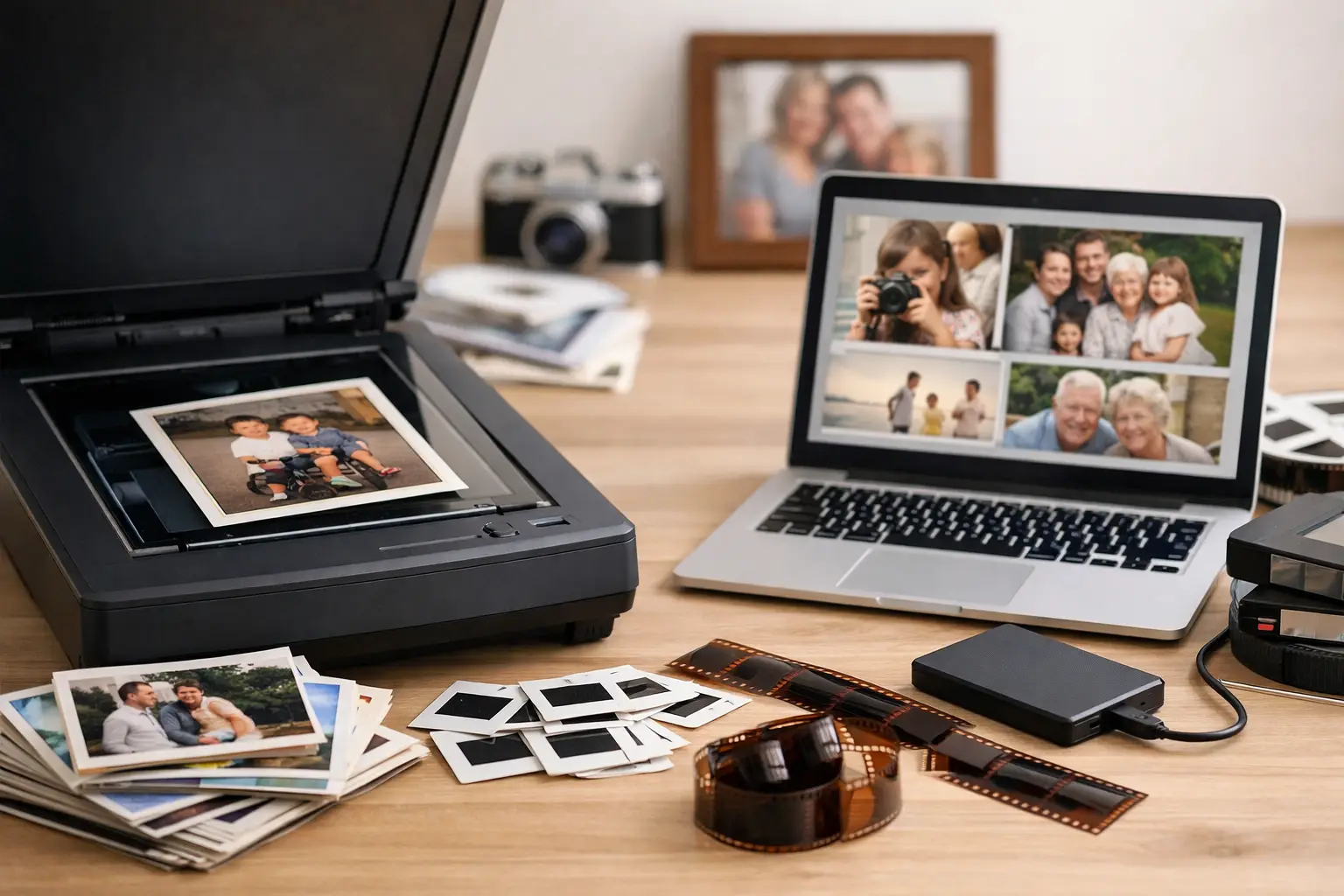
A box of family photographs rarely arrives neatly labeled. It may hold faded vacation prints, loose school portraits, curled wedding photos, and a few images that have already begun to crack at the edges. Finding the best photo digitization services is not simply about turning paper into files. It is about deciding who can handle irreplaceable originals carefully, create useful digital copies, and help preserve images that are already showing their age.
For many families, the right choice is not the fastest or cheapest scanner. It is the service that understands what is at stake when the only photograph of a grandparent, a childhood home, or a family celebration is sitting in a box.
What separates the best photo digitization services
Photo digitization sounds straightforward: scan a print, save a file, return the original. But the details determine whether the digital collection will actually be worth using years from now. A good service creates clear, properly oriented files, treats originals with care, and gives you enough information to understand what you are receiving.
Start with image quality. For standard prints, a professional scan should capture enough detail for viewing on modern screens, sharing with relatives, and making reasonable-size reprints. Tiny originals, highly detailed images, or photos you may want to enlarge later can require higher-resolution scanning. More resolution is not automatically better, though. It can create much larger files without improving a soft, low-detail original. The right setting depends on the photograph and your goal for it.
File format matters, too. JPEG files are practical for everyday viewing, emailing, and sharing. TIFF files are larger but retain more image data, which can be valuable for significant photos, restoration work, or archival storage. Some families need only organized JPEGs. Others want a higher-quality master file along with a shareable copy. A service should explain the difference in plain language rather than selling technical specifications you do not need.
Careful handling is equally important. Old prints can be brittle, stuck together, marked with handwritten notes, or stored in fragile albums. Before handing over a collection, ask how originals are tracked, kept together, and protected during scanning. The best photo digitization services have a clear process for inventory, transport, and return. That process offers more peace of mind than a vague promise to “scan everything.”
Digitization alone may not be enough
Scanning preserves the photograph as it looks today. Restoration addresses what time has done to it.
That difference matters when prints are faded, yellowed, scratched, torn, stained, or affected by moisture. A scan of a damaged image may be useful as a backup, but it will not restore lost contrast or make a face easier to see. Restoration can correct color casts, improve exposure, reduce visible marks, repair minor tears, and bring attention back to the people in the image rather than the damage around them.
Restoration should be thoughtful, not heavy-handed. A good restoration preserves the character of the original photograph. It should not make a 1960s snapshot look artificially modern or remove details that are part of the family record. There are limits, too. A severely blurred face cannot always be made sharp, and missing portions of an image may require careful reconstruction rather than a perfect recovery. Honest expectations are a sign of quality.
For collections with a mix of healthy and damaged prints, consider a service that scans the full group and restores selected priority images. This approach controls cost while giving the most meaningful photographs the extra attention they deserve.
Questions to ask before choosing a service
The most useful questions are specific. Rather than asking whether a provider offers photo scanning, ask what happens to your photos from the moment they leave your hands until they are returned.
Ask about scan resolution, file types, naming, rotation, and delivery method. If organization is important, find out whether files can be grouped by album, event, decade, or the labels already written on envelopes. A folder named “Scan 001” through “Scan 450” is technically a digital archive, but it is not a collection most families will enjoy revisiting.
Ask whether photos are scanned individually or fed through an automatic scanner. High-volume feed scanning may be appropriate for sturdy, common prints when budget and speed are the main concerns. Individual scanning is often the safer choice for delicate, curled, torn, mounted, or historically important photographs. Neither method is wrong in every situation. The condition and value of your collection should guide the decision.
You should also ask about preparation. Some services require photos to be removed from albums, sorted by size, or separated from duplicates before scanning. Others can assist with sorting and organization. If you are managing an estate or working through decades of family materials, that support can be just as valuable as the scanning itself.
Finally, ask about pricing structure. Per-photo pricing is easy to understand for a small, consistent group of prints. Project pricing can be more practical when the collection includes albums, oversized photographs, damaged images, negatives, slides, or restoration requests. The lowest price may not include file organization, careful handling, or corrective work. Compare what is included, not just the number at the bottom of the estimate.
Local care versus mail-in convenience
Mail-in services can work well for straightforward collections of durable prints, especially when convenience matters more than personal consultation. They may offer standard packages and a simple process for large quantities. The trade-off is distance: you are packing originals, shipping them, and communicating without someone seeing the condition of the collection with you.
A local photo-preservation provider can be a better fit when the photographs are fragile, unusually meaningful, or difficult to sort. Being able to discuss the collection in person helps clarify priorities. You can point out the images that need restoration, explain which albums must stay in order, and decide whether a handwritten note on the back should be documented.
For families in Ventura County, local service also reduces the concern of sending treasured originals through the mail. Photo Renew Labs approaches digitization and restoration as connected parts of preserving a family archive, not as a high-volume document conversion task. That distinction is especially useful when a collection needs both careful scanning and renewal of aging images.
Prepare your photos without overhandling them
You do not need to make every photograph perfect before digitization. In fact, excessive cleaning or separating can cause harm. Avoid using household cleaners, tape, or adhesive products on old prints. Do not force apart photos that are stuck together, and do not flatten curled photographs under heavy books without professional guidance.
What you can do is gather related materials, identify the photos you value most, and keep any notes that provide context. A name, date, location, or event written on the back can be as meaningful as the image itself. If you know a photo was taken at a particular wedding, school, or family home, mention it. That context can help shape how files are organized and which images deserve restoration.
It is also wise to set a realistic goal before the project begins. Are you trying to protect a box of photographs from further fading? Create a digital collection for siblings? Prepare images for a memorial, anniversary, or family history project? Your goal affects the right service level, file format, organization, and budget.
Plan for the digital collection after delivery
Digitization is only the first stage of preservation. Once your photos are digital, keep more than one copy. Store one copy on a computer or external drive and another in a separate location or trusted cloud storage account. Check that family members who should have access can actually find the files.
Take time to add names and stories while they are still known. A restored photo of two relatives is more valuable when future generations can identify them. You do not need to catalog everything at once. Start with the images people ask about most, then build from there.
The best outcome is not a folder that sits unopened on a hard drive. It is a collection that can be shared at birthdays, used in family history projects, and safely carried forward long after the original prints have become too delicate to handle often.
Choosing a photo digitization service is a decision about care as much as technology. Begin with the photographs that would be hardest to replace, give them the attention their condition requires, and let the renewed collection become part of your family life again.