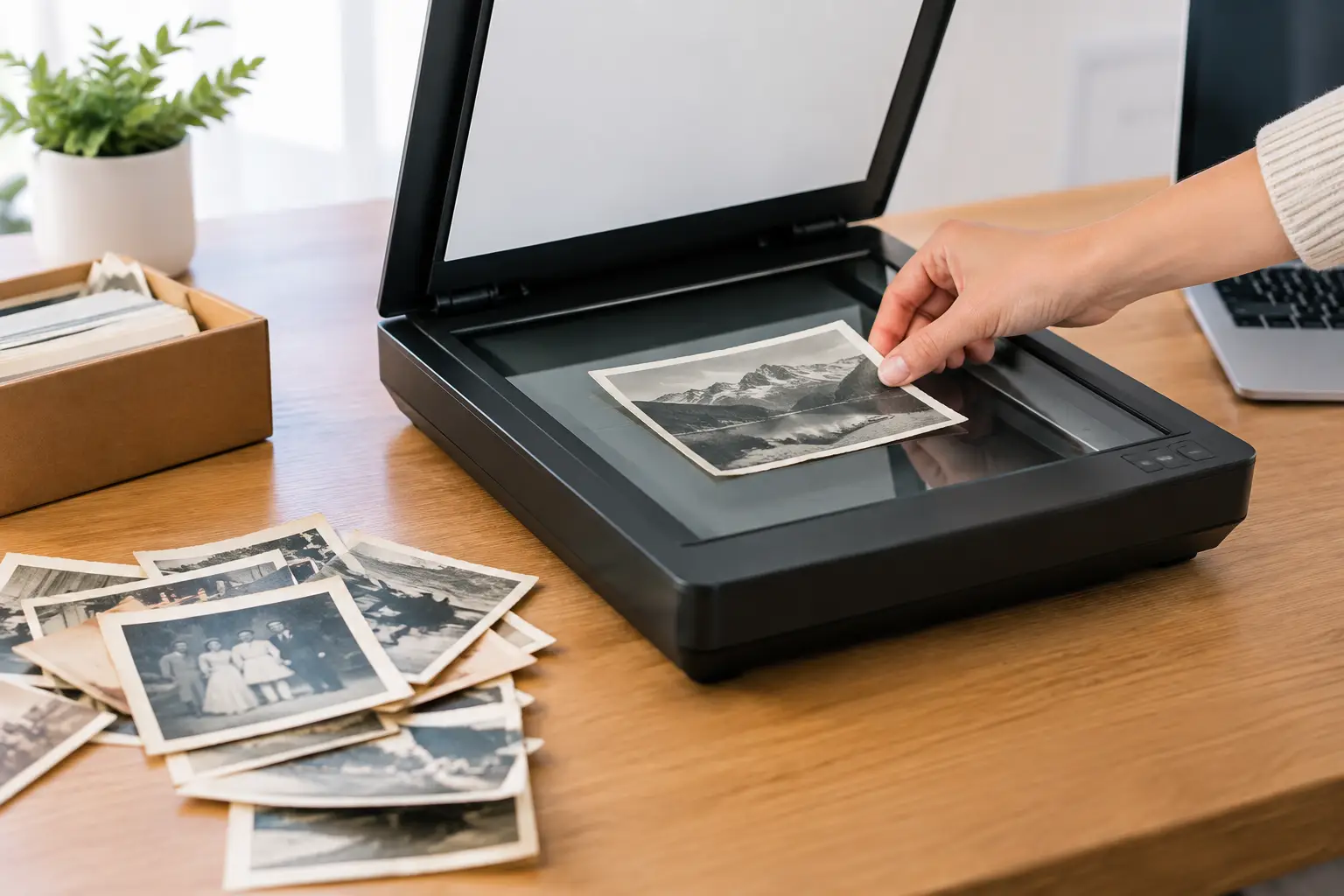
A faded 4-by-6 print tucked into an album may be the only copy of a family vacation, a childhood birthday, or a grandparent you never met. Choosing the best resolution for scanning old photos helps protect that memory without creating needlessly enormous files that are difficult to store, sort, and share.
For most family prints, 600 DPI is the practical choice. It captures substantially more detail than a basic scan, gives you room for modest cropping and restoration, and creates files that work well for future sharing and reprinting. But the right setting depends on the size, condition, and intended use of each photograph.
Why scan resolution matters for family photos
Resolution is usually measured in DPI, or dots per inch. In simple terms, it tells the scanner how many samples to capture across every inch of the original photograph. A higher DPI setting creates a larger digital image with more pixels. That can be useful when a print is small, damaged, or likely to be enlarged later.
Resolution cannot create detail that was never present in the original print. A soft, grainy snapshot from the 1970s will not become a crisp modern portrait just because it is scanned at 2400 DPI. In fact, scanning an ordinary print far beyond its useful detail can make flaws more visible, increase scan times, and fill a hard drive quickly.
The goal is not the highest number on the scanner menu. The goal is a faithful, usable digital copy that preserves the photograph as it exists today and leaves enough room for thoughtful restoration if it is needed.
Best resolution for scanning old photos by print size
For standard photographs, 600 DPI offers the best balance of quality, flexibility, and file size. A 4-by-6-inch print scanned at 600 DPI creates an image around 2400 by 3600 pixels. That is large enough for high-quality reprints near the original size, sharing with family, and limited cropping.
A 300 DPI scan can be appropriate for larger prints in good condition when the main goal is viewing on screens, emailing copies, or keeping an organized family archive. It is also a reasonable choice for scrapbook pages or album layouts where individual images are not intended to be separated and enlarged.
Use 1200 DPI when the original is small or when you expect to crop in closely. Wallet-size school portraits, tiny snapshots, photo booth strips, and images with important faces near the edge often benefit from the extra pixel information. The same is true for prints that may need more involved restoration, such as removing scratches, repairing tears, or correcting a strong color cast.
As a practical reference:
- Scan standard 3-by-5, 4-by-6, 5-by-7, and 8-by-10 prints at 600 DPI.
- Scan large prints, album pages, or documents meant primarily for reference at 300 DPI.
- Scan wallet photos, small contact prints, and images likely to need significant cropping at 1200 DPI.
- Scan negatives and slides at 2400 DPI or higher, using equipment designed for film rather than a basic flatbed scanner.
These are useful starting points, not rigid rules. A sharp, well-preserved 8-by-10 portrait may need only 300 DPI. A worn 4-by-6 photo containing the only known image of a loved one may deserve 1200 DPI because the file will be the foundation for restoration and future copies.
Why 600 DPI is usually the safest choice
Most old family collections are made up of standard-size prints. At 600 DPI, the scan retains enough detail for common preservation needs without becoming difficult to manage. It gives you more freedom if someone later wants to make a small enlargement, crop out distracting borders, or improve an image that has faded over time.
It also helps avoid a common regret: scanning an entire collection at 300 DPI, then realizing years later that several important photographs need to be restored or printed larger. Rescanning is possible if the originals are still easy to access and in stable condition. But family collections are often divided among relatives, moved during an estate cleanout, or returned to storage after a digitization project. Capturing a little more detail the first time can save work later.
When higher resolution does not help
Very high settings can be useful for film, exceptionally small photographs, or detailed archival work. They are not automatically better for every paper print. A 2400 DPI scan of an ordinary 4-by-6 photo may produce a very large file while revealing paper texture, dust, printing patterns, and damage that do not improve the image itself.
Higher-resolution files also take longer to scan, edit, back up, and send. For a collection of several thousand photos, that difference matters. Preservation should be thorough, but it should also result in an archive that a family can realistically use.
Resolution and photo restoration work together
Scanning is the first stage of preservation, not the final stage. Fading, fingerprints, stains, creases, and torn corners can remain visible even in a carefully made scan. A good source file gives restoration work more room to address those issues while respecting the character of the original image.
For photographs with major damage, 600 or 1200 DPI is often worth considering. More captured information around a scratched face, a cracked edge, or a missing corner can make careful repair more natural. Still, a higher DPI setting cannot replace lost image content. Restoration is a measured process of improving what remains, not inventing a new family history.
Color is another consideration. Scan color photographs in color, even if they look nearly faded to beige or yellow. The remaining color information can be useful when correcting the image later. Black-and-white photographs can also be scanned in color when they have warm paper tones, silvering, stains, or handwritten notes that should be preserved.
Settings that protect the original photograph
Resolution is only one part of a careful scan. Before starting, gently remove loose dust with a soft brush or air blower made for photographic materials. Do not use household cleaners, tape, or water on older prints. If a photograph is cracked, curled, stuck to album pages, or shows mold, forcing it flat can cause more damage.
Choose the scanner's optical resolution rather than relying on an interpolated or enhanced resolution setting. Optical resolution reflects what the scanner can actually capture. Enhanced settings enlarge the file through software and may not add meaningful detail.
Save a preservation copy in a high-quality format, usually TIFF when available, especially for important photographs that may be restored. TIFF files are larger, but they retain image data well through future editing. JPEG files are easier to share and take up less space, so they are useful as access copies for phones, email, and family folders. Many families benefit from keeping both: a master file for safekeeping and a convenient copy for everyday use.
Avoid allowing scanner software to make aggressive automatic corrections without checking the result. Automatic contrast, sharpening, and color fixes can sometimes improve a casual snapshot, but they can also remove subtle detail from faces, wedding dresses, shadows, or handwritten dates. Keep an unedited master scan before making changes.
Build an archive your family can understand
A technically good scan is more valuable when it can be found later. As you digitize, use simple file names that include a date, person, place, or event when known. A file named `1984_Smith_Family_Grandmas_80th_Birthday` is much easier to recognize than `IMG_00482`.
If dates are uncertain, use an estimated decade rather than leaving the image anonymous. Notes such as `circa_1950s`, `possibly_Ojai`, or `unidentified_child_in_blue_dress` can help relatives add context later. The stories connected to photographs are often as fragile as the prints themselves.
Keep the original photos after scanning whenever their condition allows. Digital copies protect access and make sharing easier, while the physical prints remain part of the family record. Store them in a cool, dry place away from direct sunlight, garages with extreme temperature swings, and acidic paper materials.
When professional scanning is the better option
A home scanner can work well for a small, stable group of photographs. Professional help becomes especially valuable when a collection includes fragile albums, curled prints, extensive damage, oversized photographs, slides, negatives, or hundreds of images that need consistent handling and organization.
For families in Ventura County, Photo Renew Labs can help turn aging photo collections into organized digital files while giving damaged images the careful restoration they may need. That can be reassuring when the photographs are tied to an estate, a family milestone, or memories that cannot be replaced.
Start with the photographs that would be hardest to lose. Whether you choose 600 DPI for a full collection or 1200 DPI for a small group of treasured prints, the most meaningful step is making sure those memories are no longer dependent on a single aging piece of paper.