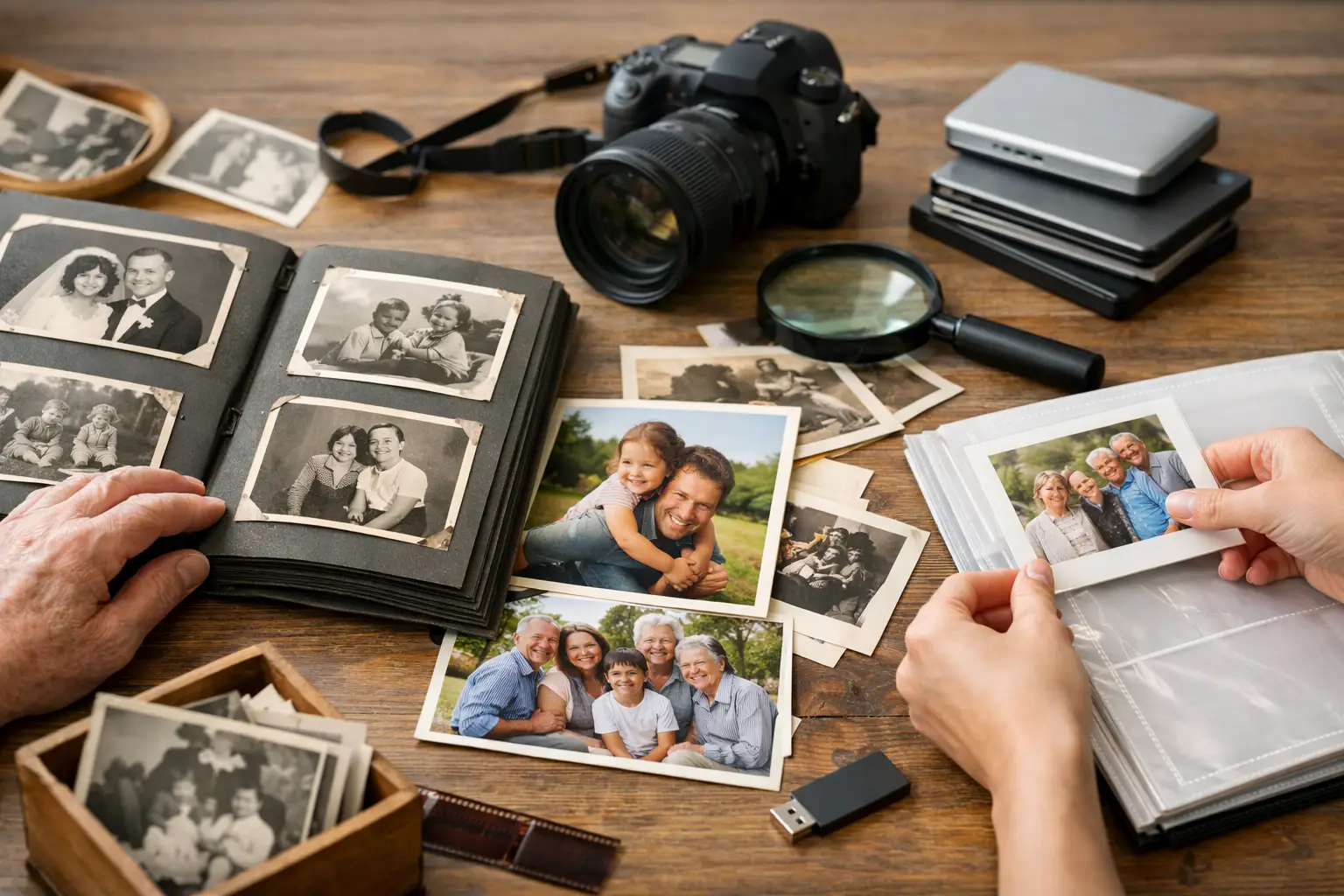
A shoebox of photographs can hold a child’s first steps, a grandparent’s wedding, and faces no one has named in years. The problem is that paper prints, albums, slides, and negatives keep aging even when they are tucked away. Learning how to preserve family photos gives those memories a better chance of being seen, shared, and recognized by the people who come after you.
The best approach is not to choose between physical originals and digital copies. Keep the originals safe when possible, create high-quality digital files, and restore only what needs attention. Each step protects a different part of your family archive.
Start by sorting without overhandling
Before scanning or moving photos into new storage, take a calm first pass through the collection. Separate loose prints, albums, slides, negatives, framed photos, and oversized items such as school portraits or certificates. You do not need to organize every image perfectly on day one. The immediate goal is to identify what is fragile, what is damaged, and what matters most.
Set aside photos that are curled, torn, stuck together, moldy, water-damaged, or badly faded. These should not go through a standard home scanner until you understand their condition. Pulling apart stuck prints or flattening a brittle photograph can cause permanent loss.
As you sort, add basic context where you know it. A pencil note on an archival sleeve or a separate index can capture names, approximate dates, places, and stories. Avoid writing on the back of a photograph with a ballpoint pen or marker. Pressure can leave an impression, and some inks can migrate through the paper over time.
Store original photographs in a stable environment
Heat, humidity, sunlight, and unstable storage spaces do more damage than most families realize. Garages, attics, sheds, and basements can experience dramatic temperature changes. In Southern California, a hot garage may feel convenient for boxes, but extended heat can accelerate fading, warping, and adhesive failure in old albums.
Choose a cool, dry, dark area inside your home instead. A closet in a lived-in room is often a better choice than a storage area exposed to seasonal extremes. Keep photographs away from exterior walls, water pipes, fireplaces, and direct sunlight.
Use photo-safe storage materials labeled acid-free and lignin-free. Archival boxes, sleeves, folders, and albums help prevent yellowing and reduce friction between prints. For valuable loose photographs, individual sleeves offer more protection than stacking them together. Do not use rubber bands, paper clips, PVC plastic sleeves, or magnetic “sticky page” albums. Their adhesives and plastics can stain or permanently bond to photographs.
If photos are already in an old album, it depends on its condition. An album with stable pages and no signs of sticking may be worth keeping intact for its original captions and arrangement. If pages are yellowed, adhesive is failing, or photos are beginning to adhere to the surface, digitize the album first and seek guidance before attempting to remove anything.
Handle prints gently and only when necessary
Clean hands are usually enough for everyday handling. When working with negatives, slides, or very delicate prints, wear nitrile gloves to avoid transferring skin oils. Hold photographs by their edges, support large prints with both hands, and keep food and drinks away from the work area.
Resist the urge to clean a photograph with household products. Water, glass cleaner, tape, glue, and erasers can all create new damage. Even dusting can be risky when an image surface is flaking, cracked, or mold-affected. A soft, clean brush may be appropriate for stable prints, but damaged images deserve a more cautious assessment.
Digitize the collection before time takes more from it
Digital copies make family photographs usable again. They can be shared with relatives, included in memorial displays, printed for a reunion, or viewed without repeatedly handling a fragile original. Just as importantly, they provide a backup if the physical collection is lost to fire, water, or another emergency.
For standard prints, scan at a resolution that supports both viewing and future reprinting. Higher resolution is especially helpful for small prints, slides, negatives, and photographs that may need restoration. Save a high-quality master file separately from the smaller copies you text or email to family.
A dependable digital archive has three parts: a master image file, a sensible naming system, and more than one backup. File names do not need to be elaborate. Something like “1978_SmithFamily_GrandmaRose_01” is far more useful than “Scan0042.” Add folders by decade, family branch, event, or location according to the way your family remembers its history.
Keep at least two copies of the archive in separate places. For example, maintain one copy on a reliable external drive and another in a secure cloud account or at a trusted family member’s home. A single computer is not a preservation plan. Computers fail, passwords are forgotten, and files can be deleted by accident.
Protect the story along with the image
A photograph becomes more valuable when someone can explain who is in it and why it matters. Ask relatives to identify people while they can. Record short voice notes, write captions in a digital spreadsheet, or add descriptive information to image files. Even partial details help: “Possibly Aunt Elena, around 1965, at the old house on Oak Street.”
Do not wait for a complete family history before starting. Small pieces of information can be corrected or expanded later. The larger risk is leaving a collection with no context at all.
Restore damage carefully, not aggressively
Restoration can renew a faded or damaged image, but it should respect the character of the original photograph. A careful restoration may correct color fading, improve contrast, repair tears or scratches digitally, and remove distracting stains. It should not turn a treasured family image into something that no longer looks like the moment it recorded.
The right level of restoration depends on the photo and your goal. If you want a clean print for a celebration, more visible repair may make sense. If the image is part of a family archive, you may prefer a gentler version that preserves the age and texture of the original. Keep an unaltered scan of every photograph before any edits are made.
For severely damaged photos, professional digitization and restoration can be safer than repeated attempts at home. This is particularly true for torn prints, color-shifted photographs, fragile album pages, slides, negatives, and images with meaningful detail hidden by fading. A preservation-focused service can create usable digital versions while helping you avoid unnecessary handling of the originals.
Make preservation manageable
Large collections can feel overwhelming because every photograph seems equally important. They are not equally urgent. Begin with the images most at risk and the images your family would be most devastated to lose. That may mean a small box from a parent’s estate, a fading wedding album, or the only photographs of a grandparent’s childhood.
A practical first project might be 50 to 100 photos rather than an entire lifetime of albums. Once those are scanned, backed up, and labeled, you will have a system that can grow. Preservation works best as a steady process, not a weekend of rushed decisions.
If a collection needs more care than you can reasonably give it, Photo Renew Labs helps Ventura County families digitize and restore meaningful photographs with the attention irreplaceable images deserve. The most valuable next step is often simply taking the box out of the garage, bringing it into a stable space, and choosing the first photograph you want future generations to recognize.