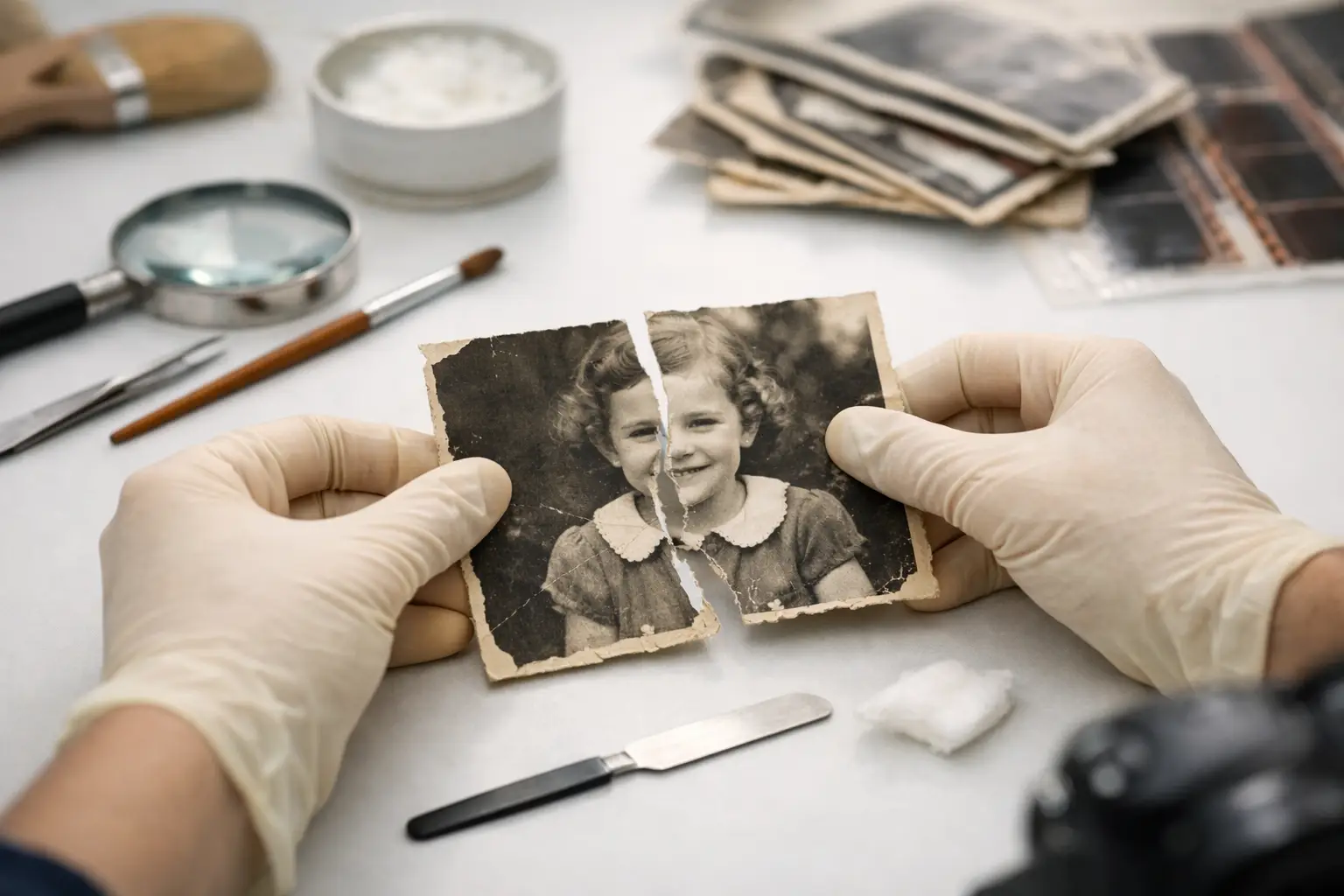
A tear across a family photograph can make it feel as if part of the moment has been lost: a face split in two, a wedding dress interrupted, a childhood scene damaged at the fold. To repair torn old photographs safely, begin by protecting what remains. The goal is not to make a fragile original look brand-new at any cost. It is to preserve the photograph, recover its image, and create a lasting digital version your family can enjoy.
A torn print can often be restored beautifully, but the best approach depends on its age, paper type, condition, and sentimental or historical value. Physical repair and digital restoration are not the same thing. In many cases, scanning the photograph before attempting any physical work is the safest and most effective first step.
Before You Repair Torn Old Photographs, Stop Further Damage
Handle the photograph as little as possible. Hold it by the edges with clean, dry hands, and place it on a flat, clean surface away from food, drinks, sunlight, and pets. If the pieces are loose, do not slide them across one another. Even a small amount of friction can remove the image layer from an older print.
Avoid common household fixes such as clear tape, glue sticks, rubber cement, or pressure-sensitive craft adhesives. Tape may seem like a quick solution, but it can yellow, shrink, leave residue, and permanently stain the paper. Glue can soak through the print, buckle it, or make later restoration much harder. Laminating is also risky because it permanently changes the photograph and can trap moisture or debris.
If a photo is curled, brittle, damp, moldy, or stuck to another image or album page, do not try to flatten or separate it at home. These issues call for more specialized handling. A photograph with active mold should be isolated from the rest of the collection in a clean, dry container until it can be assessed. Protecting the surrounding photographs matters just as much as saving the damaged one.
Scan the Photograph Before Making Physical Changes
A high-resolution scan creates a working copy of the image and preserves a record of the photograph in its current condition. This matters even if you plan to keep the original pieces exactly as they are. Once a digital file exists, restoration can address the visible tear without adding tape, adhesive, or stress to the print.
For most family photographs, a scan at 600 dpi is a strong starting point. Small prints, detailed portraits, or photos you may want to enlarge can benefit from 1,200 dpi. Scan in color, even when the photograph appears black and white. Color scanning captures subtle paper tones, fading, stains, and detail that may be useful during restoration.
If the photograph is in several pieces, scan each piece separately as well as together if they can rest flat without forcing them into position. Keep the pieces in the same orientation and leave a small margin around each edge. Those edges help a restoration specialist align the image accurately.
Store the original scan as an untouched master file. Make a separate copy for editing. This simple practice protects your best digital record if you later want a different restoration style, a larger print, or a version that retains more of the original character.
Digital Restoration Usually Delivers the Best Result
Digital restoration can reconnect the torn sections, rebuild missing texture, reduce distracting creases, and correct color changes caused by age. The work should be careful rather than overdone. A good restoration preserves the people, clothing, background, and expression that made the photograph meaningful in the first place.
A clean tear with all pieces present is often the most straightforward type of damage to restore digitally. The pieces can be aligned, and the tear line can be repaired while preserving nearby details. Missing sections require more interpretation. A restorer may be able to recreate a plain background, sky, wall, or fabric pattern convincingly, but a missing portion of a face, hand, or important object may need a more conservative approach.
That distinction is worth discussing before restoration begins. Some families want a polished image that looks as close as possible to the day it was taken. Others prefer a lighter restoration that removes the tear but retains signs of age. Neither choice is wrong. The right result is the one that respects the memory and gives you a usable image for sharing, printing, or preserving.
At Photo Renew Labs, restoration is paired with digitization so families can protect a fragile original while receiving a renewed digital image. That approach is especially helpful for photographs that need to be shared among siblings, included in a memorial display, or organized as part of a larger family archive.
When a Physical Repair May Be Appropriate
Physical repair is different from visual restoration. Its purpose is usually to stabilize the object, not to erase every sign of damage. For a valuable, antique, one-of-a-kind, or historically significant photograph, a trained photograph conservator is the appropriate resource. They use archival materials and reversible methods designed to avoid further harm.
A conservator may mend a tear from the back using suitable archival tissue and adhesive, but this is delicate work. The wrong repair can be more damaging than leaving the photograph untouched. This is particularly true for prints with cracks, flaking surfaces, hand coloring, embossed studio marks, mounted photographs, or early photographic processes.
For many ordinary family snapshots, the original does not need physical repair once it has been digitized. It can be stored safely in an archival sleeve, while the restored digital file becomes the version used for reprints and sharing. This avoids asking an aging print to do more than it can safely handle.
Protect the Restored Image and the Original Print
After restoration, save your files in more than one place. Keep the high-resolution master file, a restored master file, and smaller copies for emailing or posting. A reliable backup plan might include a computer or external drive plus a separate secure backup location. Digital preservation works best when one accident cannot remove your only copy.
For the original print, use acid-free, lignin-free sleeves or folders and store it in a cool, dry, stable area. Avoid attics, garages, basements, and places with large temperature swings. Keep photographs out of direct sunlight and away from rubber bands, paper clips, magnetic albums, and adhesive-backed pages.
If several torn photographs came from the same box or album, consider digitizing the full group rather than treating each damaged picture as an isolated problem. The collection often provides useful context: dates, names, related scenes, and duplicate prints may help fill in missing details. Organizing the digital files by family branch, event, or approximate year also makes them easier to find when someone asks for them later.
Know When to Ask for Help
Professional support is especially worthwhile when the photograph is badly torn, has missing areas, is fragile or stuck together, or holds a unique place in your family history. It can also save time when you are managing an estate, preparing a memorial, or sorting through decades of boxes and albums. A careful restoration process gives you a better chance of preserving both the image and the original object.
The photograph may still show its age after restoration, and that is not a failure. A little fading or texture can be part of its history. What matters is that the people and moment are visible again, protected from further loss, and ready to be carried forward by the people who remember them.